
Welcome back 👋
Here's what's happening today at your business.
Opens a report of visits before today that still have no payment recorded (not tied to a date range filter).
Appointments
Schedule — use Day, Week, or Month above the grid.
Boarding
Reservations, check-ins, check-outs, and kennels.
Daycare
Who’s here, who’s expected, and how full the room is.
Waitlist
Pets waiting for a grooming opening.
Smart Map
Use the mini calendar (same look as Appointments). Week arrows and Today change the route day — one day per map; mobile visits only; origin follows the groomer’s assigned van base (or your business address fallback).
Intake forms
Share a link with new clients. Submissions appear here in real time — then create a pet profile in one step.
Copy the URL, or text it to a new client from Withers (uses SMS credits). When they submit, their intake shows up below and you get an in-app alert.
Shown at the top of your public intake form. JPG, PNG, or WebP (max 3 MB).
Shown under the title on your public intake page.
Buttons, accents, and the paw-print background pattern on your public intake form. Booking has its own color theme under Online booking → Page setup.
Choose what pet parents must fill out on your public intake link. You can save with the defaults below and turn on more fields anytime.
- Toggle off — field is hidden; clients do not see it.
- Toggle on — field appears and must be filled before submit.
Clients also read and sign your service agreement on this form. Turn that on per agreement under Agreements (Required on intake form). After they submit, open the signed copy from the pet owner profile → Agreements on web, iPhone, and Android.
Turn on only what you need. Each switch below adds a required field to the client form.
Default: all switches above are off, so new clients only see the always-required fields.
Leave off unless you need vaccine info before the first visit. When on, use the switches below to choose which vaccine details are required.
Default is no payment. Turn on card on file or a deposit only if you want payment before they submit.
Intake requests often do not have a final service price yet. Full prepay is not available for intake forms.
Add salon-specific questions. Each one appears on the form; check Required on a question if clients must answer it.
Live preview (optional)
Online booking
Review requests, accept or decline them, and customize your online booking page (same idea as client intake).
Pending = new web requests. Use Abandoned (top right) for people who started booking but did not finish — then Open or Recovered. Accept adds the visit to your schedule as Unconfirmed — confirm when you are ready. Reject keeps a record; Delete removes the row.
Reschedule and cancel requests from pet parents signed in on your booking page.
Grooming report
Create report cards, review previous reports, and manage checkout/SMS behavior.
Review requests
SMS ratings from clients after checkout, plus templates for the 1–5 follow-up flow.
Staff
—
Owner-managed role labels used in staff profiles (e.g. Groomer, Lead Groomer, Master Groomer, Bather, Front Desk).
Manage specialty labels (e.g. large dogs, cats). These appear when adding or editing team members.
Collected payments
Today — April 7, 2026
Retail
Manage inventory and sell products with or without appointments.
Compressed to a small thumbnail (~200 KB max) to save storage.
Register uses your checkout sales tax rate. Inventory and Register share the same catalog.
Register
Scan a barcode, ring an open item, and send the receipt.
Express services
Tap a walk-in service, assign staff (optional), and charge — no appointment booking step.
Payroll
Pay period
Paid visits only. Dates shown use your week start and weekly or biweekly schedule.
Messages
SMS & Email to clients
Agreements
Service agreements & waivers
Withers Flow
Stripe Connect, checkout, readers, payouts, disputes, and refunds — organized in one place.
Appointment checkout and card processing fee live under Checkout. Payment methods stay in Settings → Payments; sales tax is under Settings → Sales tax.
Whether Stripe is ready to accept charges for this salon.
Booking Payments
Control what customers must pay or save before booking grooming, boarding, or daycare online.
These settings apply to all online booking — grooming, boarding, and daycare. Intake payment settings are configured on the Intake setup page. Existing appointments keep their saved payment snapshot.
Card on File
OffThis appears on your public booking page so clients can review and accept card-on-file terms.
No card required at request time.
Deposits
OffRequire a partial payment before the grooming appointment or stay is submitted (online booking checkout).
Per-pet deposit overrides on the client profile still apply when the global online deposit is off.
Prepay appointment
OffRequire the full estimated grooming, boarding, or daycare amount before the request is submitted (same secure checkout as deposits).
Pre-auth hold
OffAbout a day before the visit, place a temporary authorization for the estimated ticket on the client's saved card. Funds are reserved (not charged) until you capture at checkout. Cancelled visits release the hold.
Requires Stripe and a card on file. Skips visits that are already fully prepaid. Same-day bookings get a hold when the card is on file and the visit is still ahead.
Tip and discount presets, split payments, and Stripe Terminal options for appointment checkout.
Shown as quick picks in the checkout tip modal.
Shown as quick picks in the checkout discount modal.
Stripe Terminal devices
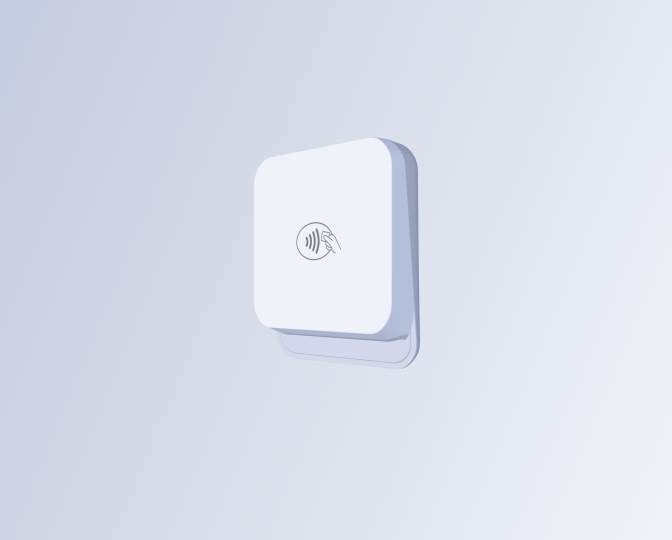
Compact Bluetooth reader for mobile grooming.
Best for Mobile groomers and on-the-go payments
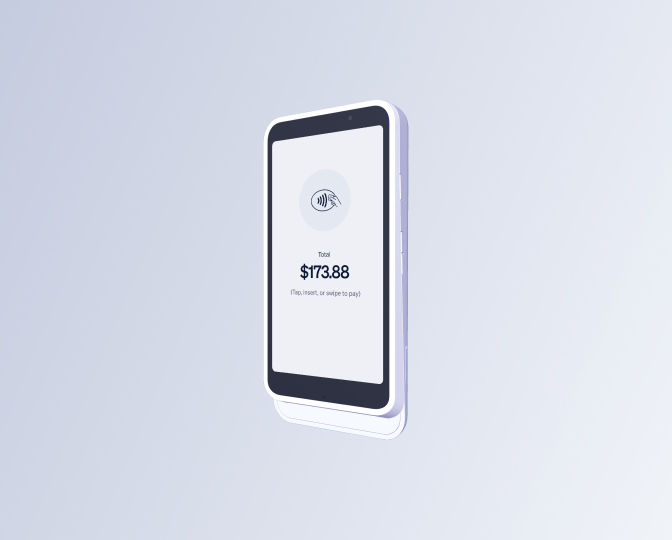
Smart touchscreen reader for full checkout experience.
Best for Salons with front desk checkout
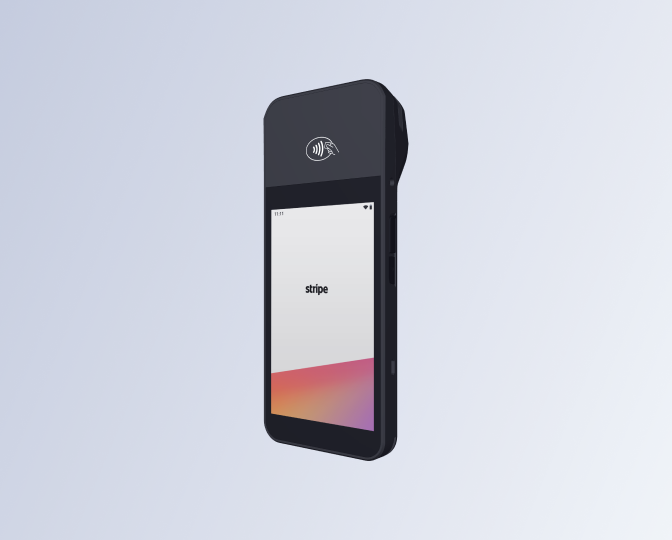
Countertop touchscreen reader with WiFi connectivity.
Best for Stationary checkout setups
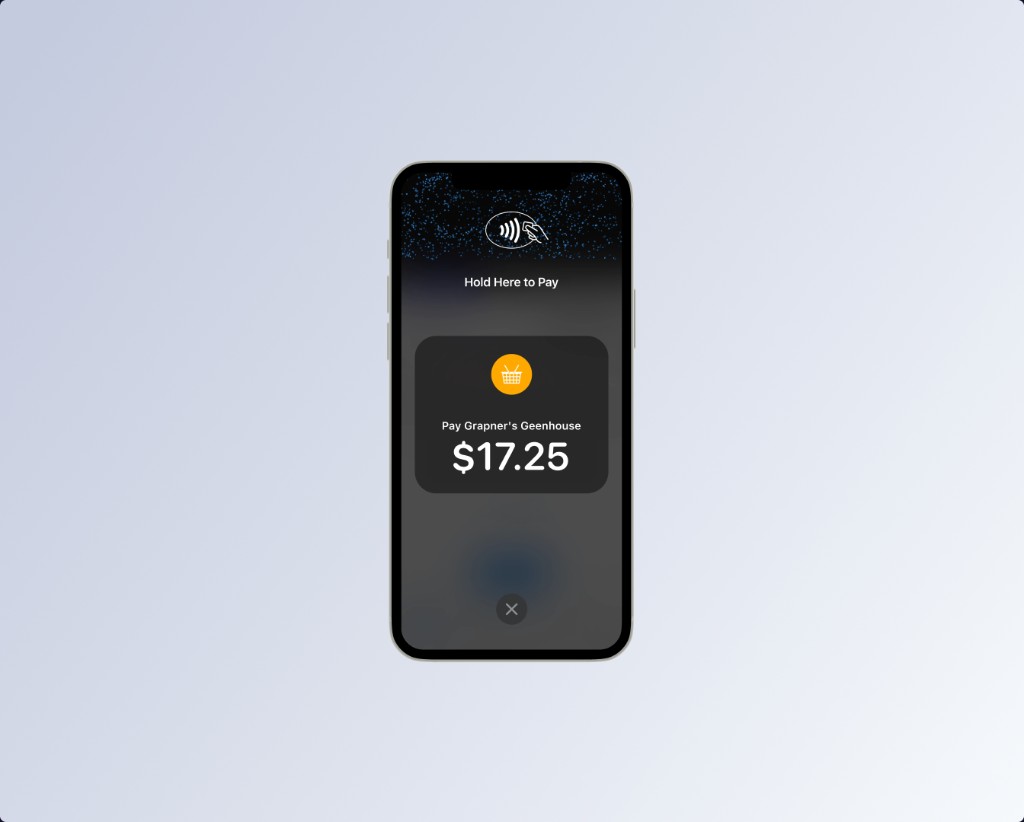
Accept contactless payments using your phone. No separate reader.
Best for Salons that skip dedicated hardware
Devices are purchased directly through Stripe. Availability and pricing may vary.
Usually filled in automatically the first time you use Tap to Pay on iPhone. Advanced: paste a tml_… id from the Stripe Dashboard if you manage locations yourself.
Balances and payout timing come from Stripe Connect. Withers does not move money — Stripe handles payouts.
Chargebacks and inquiries from Stripe. Evidence and resolution stay in the Stripe Dashboard — Withers only surfaces read-only status.
Processor-backed refunds go through Stripe on the server. Cash, legacy, and other methods are recorded here only (money moves outside Withers).
Settings
Business profile, service catalog, hours, locations, money, client messages, and your account
Stop selected pet owners from requesting appointments on your public booking page or pet parent hub. Matching is by their mobile number (including a secondary household number). You can still book them from the salon calendar. You can also toggle this on their pet owner profile.
Pet parents sign in on your online booking page — use the pet parent sign-in link under Online booking → Page setup.
Twilio SMS number: Withers assigns a dedicated number to your salon when your subscription is active. Client replies route to this business automatically.
For mobile grooming, Smart Map treats this business street address and city/state as the starting point of each day’s route (your base before driving to customers).
These are not your service menu (that is under Services). Choose which services you offer — salon grooming, mobile grooming, boarding, daycare, and/or retail — plus which pet types clients can pick on profiles, booking, and intake. Save once below.
These control navigation, your schedule, public online booking visit options, and which pet types appear on forms.
Your menu: categories, priced services, and add-ons. This is separate from Business → Visit types & pet types (salon/mobile and dog/cat/custom).
Block online booking on US holidays and custom closures. Toggle each holiday Closed or Open for the year shown. Custom closures can span multiple days with an optional staff note. Changes apply to your public booking page and the iOS/Android apps (read-only there).
Create locations (salon or mobile van). Each location has its own calendar context. Assign groomers in Staff profiles. Smart Map uses van bases; online booking can let clients pick a location when multiple are available.
Choose which options appear when you collect payment on an appointment or invoice. You can still mark paid without a method from Collected payments (defaults to Cash). Tip presets, split payments, Terminal, card processing fee, and Stripe connection are in . Sales tax and Rewards have their own settings links in the sidebar.
Set your checkout tax rate and choose whether it applies to retail, services, or both. Register uses the same rate when retail tax is on.
Suggested rates are a starting point only — confirm with your accountant or local tax authority.
Households earn points on grooming, boarding, and daycare service spend (not tips or tax) and can redeem at checkout.
Connect QuickBooks to sync customers, invoices, and payments from Withers into your accounting. Salon owner only.
Logo and contact block at the top of invoices, checkout receipts, and Register print and email receipts (not the groomer day sheet — that is under Day printout).
Festive look for customer pay links, receipts, the booking done screen, and the salon Add tip step. Set each holiday’s dates once — they repeat every year. Whichever window includes today goes live automatically; outside those dates, screens look normal.
Default is “Treat the groomer.” Seasons change the look; the headline stays yours unless you update it.
Turn on a theme and set start/end. Dates repeat every year — no need to come back each season. Tap a row to preview its look anytime, even outside its dates.
Every screen the theme touches, with sample text and amounts — scaled down from a real phone view. Updates when you tap a holiday row, even when that holiday is off or not live today.
Appointment nudges and messages to pet owners use SMS only (no outbound email).
Browsers may require you to click or navigate in the app once after loading before the first sound can play.
Enable pop-up alerts when Withers is open in the background. For alerts when the browser is fully closed, allow notifications below (uses Firebase Cloud Messaging).
Manage SMS toggles and credits here. Edit all template wording from the gear icon on Messages — the same text also appears on Reviews, Grooming report, and Settings for convenience.
Reply STOP to opt out. (21 chars) will be automatically added to comply with SMS regulations (e.g., CAN-SPAM & TCPA). It counts toward your character and segment total.
Automated reminders sent to clients by SMS. Clients reply Y to confirm or N to cancel — the appointment updates automatically. Edit reminder and auto-reply wording from Messages → gear icon.
On some hosting plans, reminder jobs run only once per day — clients are nudged on the right calendar day, but not always at the exact “Send at” clock time. For tighter timing, use a host that supports hourly scheduled jobs and ask your administrator to enable strict local-hour reminders if available.
Choose what appears on printed day sheets for grooming appointments, boarding kennel cards, and daycare cards. Separate from Receipts, which is the client invoice header.
One-page pet profile & grooming card per visit when you print from Appointments (by groomer or all staff). Turn sections on or off below.
Withers is billed monthly through Stripe. Canceling stops renewal; you keep access through the date shown below when a cancel is scheduled.
Labels you can attach to any pet. Useful for loyalty tiers, special handling, etc. New salons start with common starter tags — click Save tags after editing. Tags are staff-only and never appear on the pet parent hub.
Labels for pet owners. Useful for memberships, payment preferences, etc. Pick a color preset when adding a tag. Tags are staff-only and never appear on the pet parent hub.
Create discount codes for Register and appointment checkout. Staff enter a code when ringing up retail sales or checking out a visit.
Create reusable permission profiles (for example: Mobile Groomer, Front Desk Manager). Assign a profile when inviting staff. Changes here apply automatically to invited staff that use the profile.
Business hours are edited in Hours so they stay in one place (24-hour clock toggle lives there too).